 Web Hosting
  Website Design
  121 website builder template
  Domain name registration
 Getting your coordinates
Using coordinates rather than relying on your postcode provides a much more accurate location. The coordinates are used to generate a map for your site.
Postcodes can cover a wide area and if used to pinpoint your location on a map, can sometimes put you in the wrong place. For a more accurate solution, use Latitude and Logitude coordinates.
This is the type of task that only needs doing once - unless you change location.
Having clicked the link in the admin area to latlong.net, a window similar to the following opens;

Enter a placename or postcode in the box and click 'Find'. A new page opens:
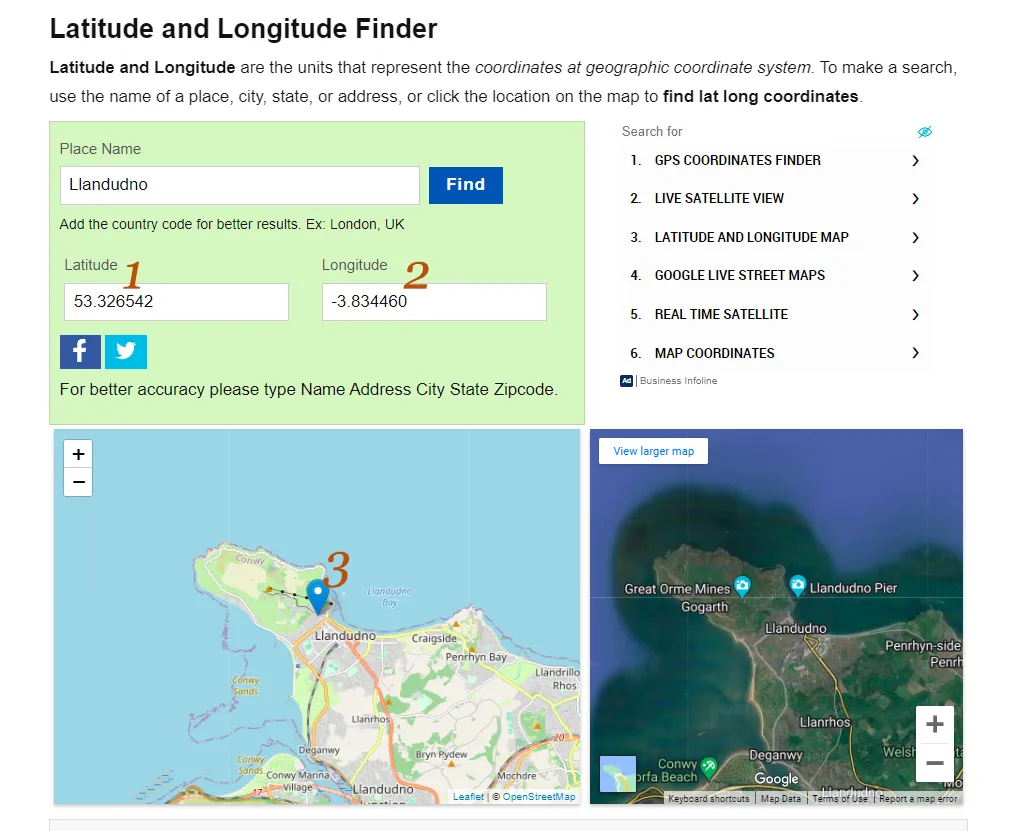
Both the coordinates are entered in boxes 1 and 2.
You can click on the map to move the map marker (3) to a precise location on the map - use the + and - buttons to zoom out/in if required.
Copy (Ctrl+C Windows or Cmd+C Mac) the contents of box 1 and Paste (Ctrl+V or Cmd+V) them into the LAT field, then repeat for the LONG field.
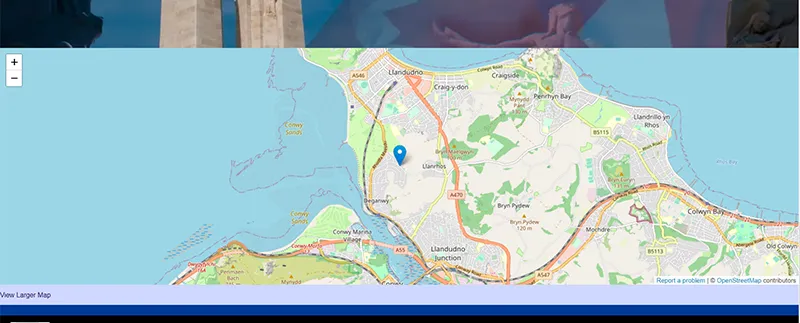
The display of the map will vary according to your page style, but an example is below: