 Creating re-directs
 Web Hosting
  Website Design
  121 website builder template
  Domain name registration
 Creating re-directs
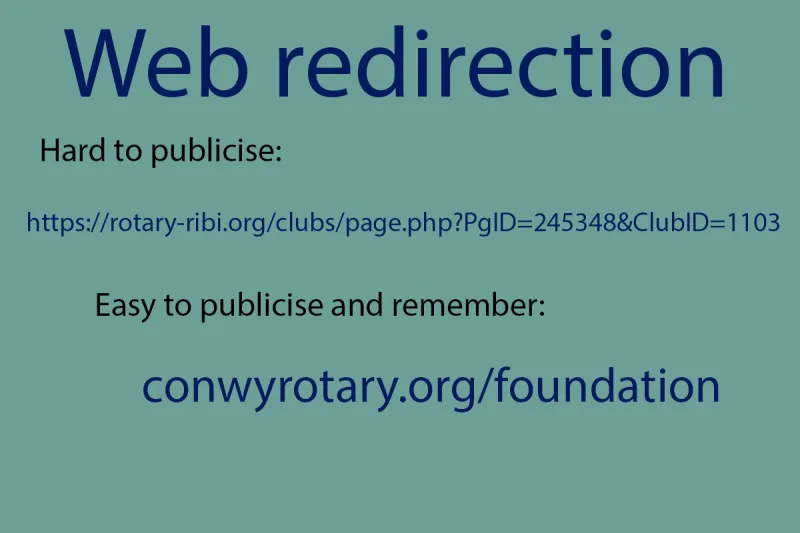
make use of your domain name to publicise pages in an easier to read format
Note, this is only available to Rotary Club clients who have email facilities with 121Technology, as they have an existing control panel.
The Rotary template website curently has dynamic urls, such as https://rotary-ribi.org/clubs/page.php?PgID=245348&ClubID=1103 which are fine when just clicking a link in the search results - but not easy to remember if publicised in a brochure or other format.
You might find this easier to do if you have two browser windows open:
One logged into your control panel (log in if not done already)
The other on your Rotary template site.
You can then copy and paste the urls from one window to the other easily - and ensure that the destination is correct.
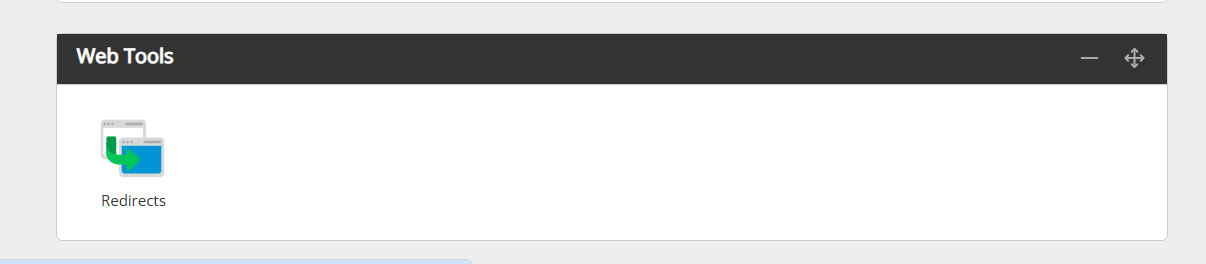
In your control panel, click on the redirects icon in 'web tools'
The following window opens, showing example values which I have completed to create conwyrotary.org/foundation
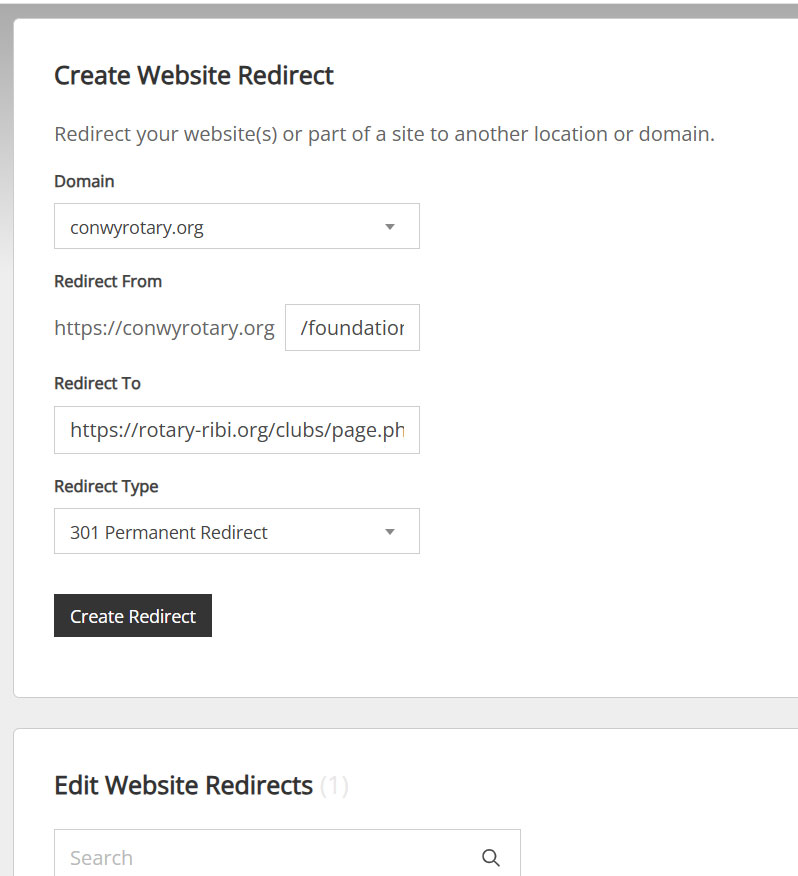
When you have completed the various fields, click the 'create redirect' button and the new redirect will appear under 'Edit Redirects'
 Email forwarding to the DMS addresses